Controlled cutovers
Standardized runbooks and wave governance reduce outage and rollback risks.
Last updated on


Guided first tour of the STACKIT Cloud Framework site: read the mountain map, explore the frameworks, find assets, follow guided trails, and present them.
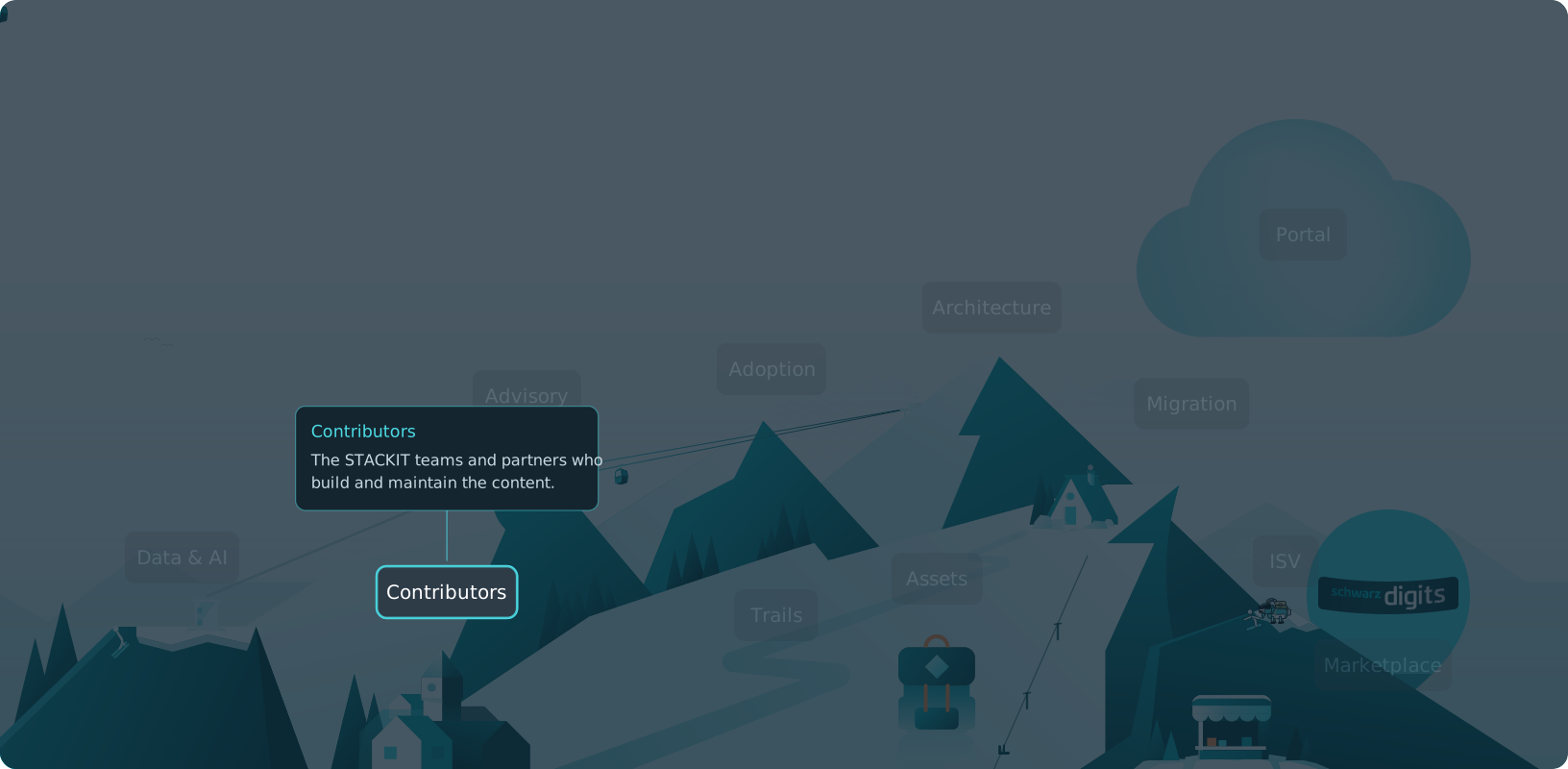
The STACKIT Cloud Framework is your map for cloud journeys. Every framework is a mountain, contributors live in the base village, assets are the equipment in the backpack and trails are the marked routes to the summit.
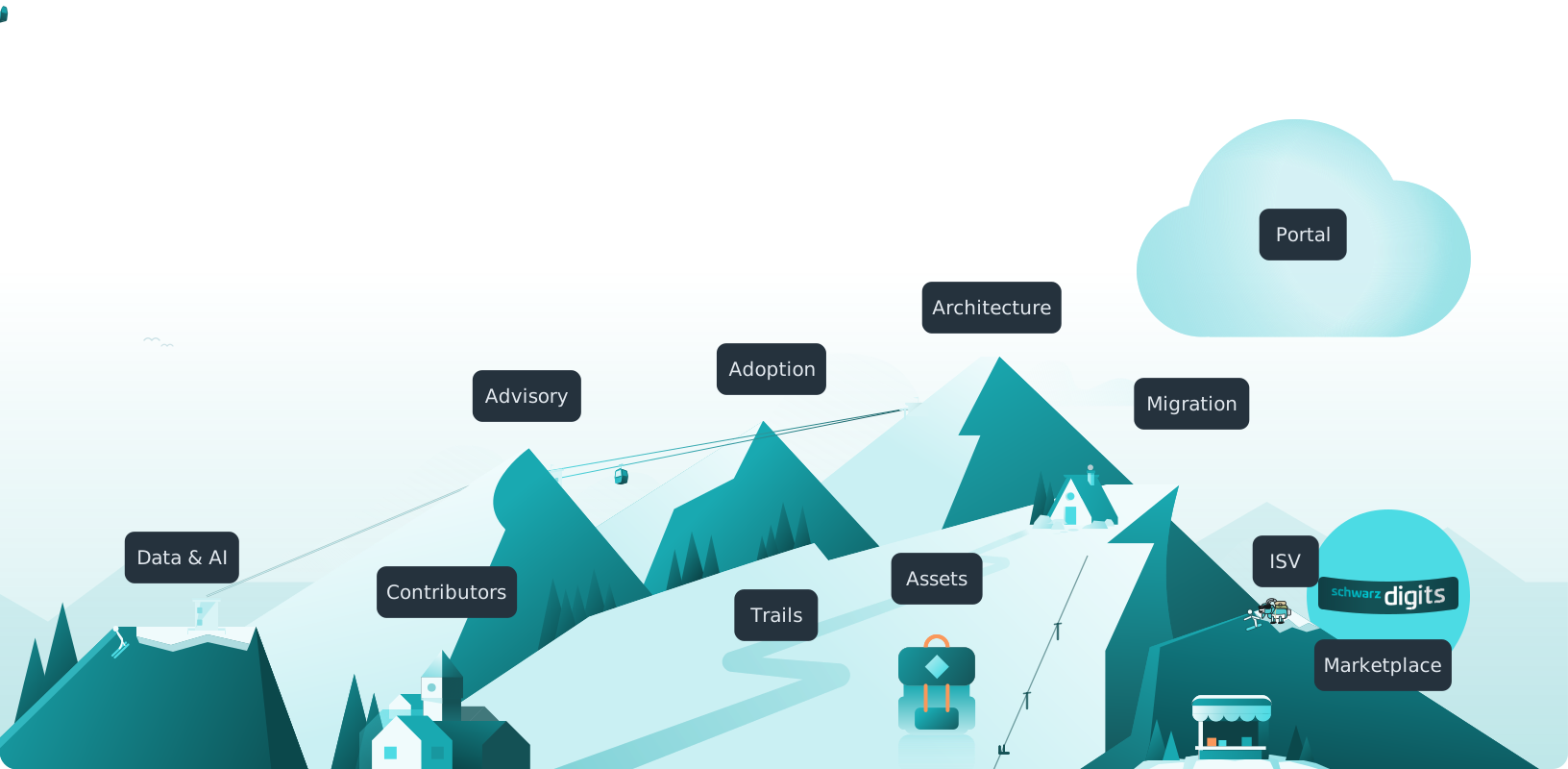
Six mountains: Advisory for strategy, Adoption for cloud journeys, Architecture for landing zones, Data & AI for workloads, ISV for software vendors and Migration for moving to STACKIT. All six share one structure.
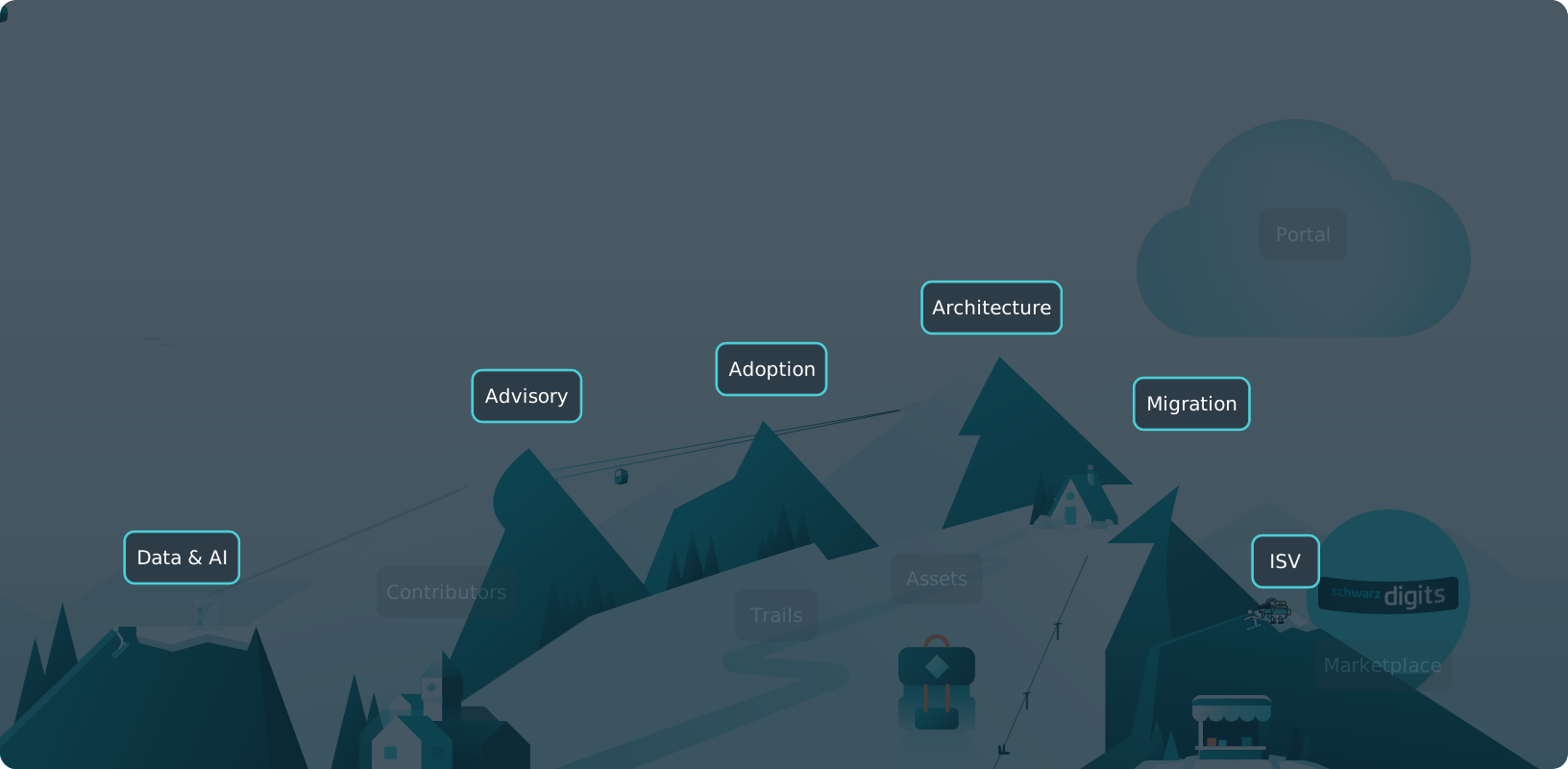
Migration is the most developed mountain today. Its map shows the whole ascent at a glance. This is the depth every framework grows toward.
Structured overview of the STACKIT Cloud Migration Framework across the phases Assess, Design and Mobilize, Migrate, and Run with their key modules.
Migrate is the phase where migration happens for R-strategy paths that involve a technical move. It uses a factory-based delivery model to move workloads in controlled waves from source environments to STACKIT target environments.
The phase is runbook-driven and focuses on repeatability, cutover quality, and stable handover into operations.
Migrate does not look the same for every R-strategy decision. The phase focus depends on the selected path per workload:
Migrate starts when the first migration waves are approved and their runbooks are ready.
At program level, the phase ends when all planned workloads are migrated, modernized, or formally retained/retired according to scope decisions.
Migrate is where migration value is realized in production. Delivery quality in this phase directly impacts business continuity, user trust, and long-term operating efficiency.
Controlled cutovers
Standardized runbooks and wave governance reduce outage and rollback risks.
Factory scale
Reusable migration patterns increase throughput while preserving quality.
Measured validation
Technical and functional checks confirm target-state stability after each wave.
Continuous improvement
Lessons learned are fed back into upcoming waves, optimize cycles, and modernization paths.
At the end of Migrate, the program should have:
Migrate includes immediate post-cutover stabilization and optimization loops. Long-term service operations, life cycle governance, and sustained value realization are anchored in the subsequent Run phase.
Assets are the equipment: blueprints, guides, runbooks, workshops and more, each shown as a card. Search, filter and sort to find your gear. Badges show what STACKIT recommends and what is new this week.
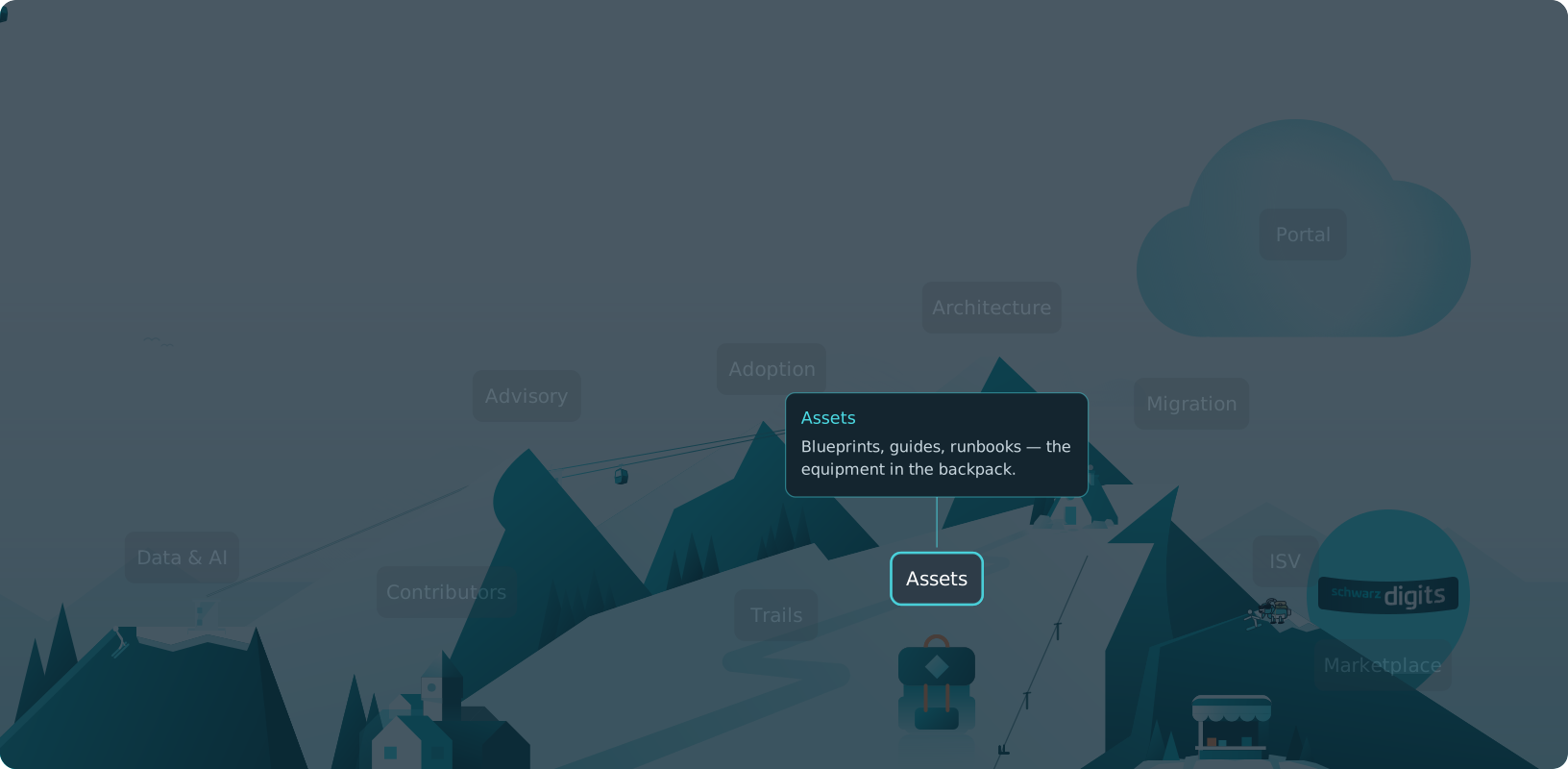
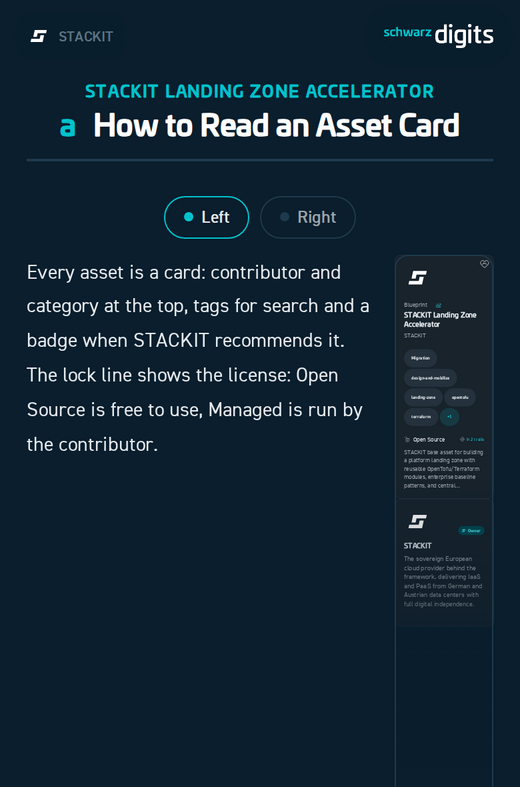
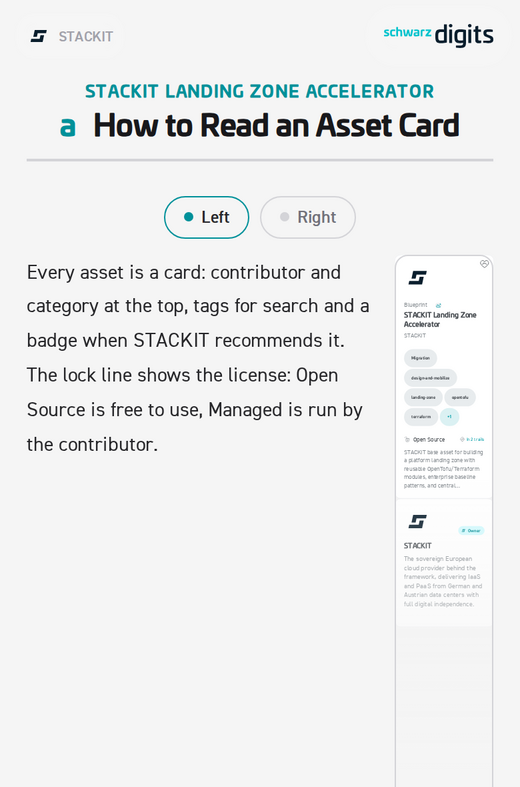
Every asset is a card: contributor and category at the top, tags for search and a badge when STACKIT recommends it. The lock line shows the license: Open Source is free to use, Managed is run by the contributor.
Trails chain assets and pages into a guided journey, stage by stage from PLAN to GOAL. Expand a step with Show more or take the whole trail to your assistant with Copy for AI. You are on one right now.
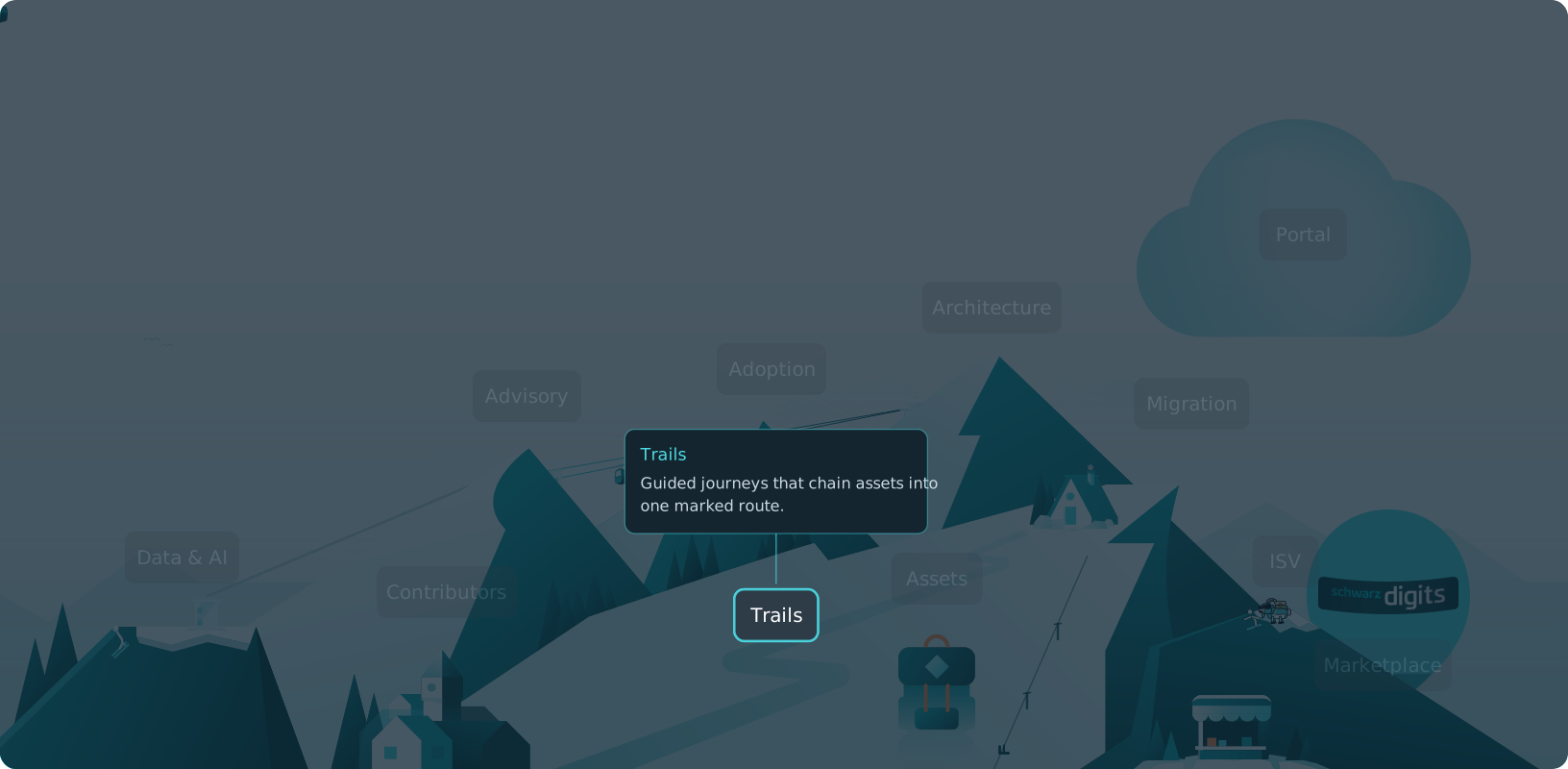
A trail card previews the whole route: who built it, which mountain it climbs and the first steps. The card on the right is this very trail. Open it or press Present.
STACKIT teams, official partners and other contributors write the content. They keep their own profiles, assets and trails and can suggest updates to any content. Cards show who contributed and when.
Every trail doubles as a slide deck. Click the presentation icon on an open trail, pick a prepared view and start. Speaker notes and a presenter window turn it into a talk or a workshop. No export needed.
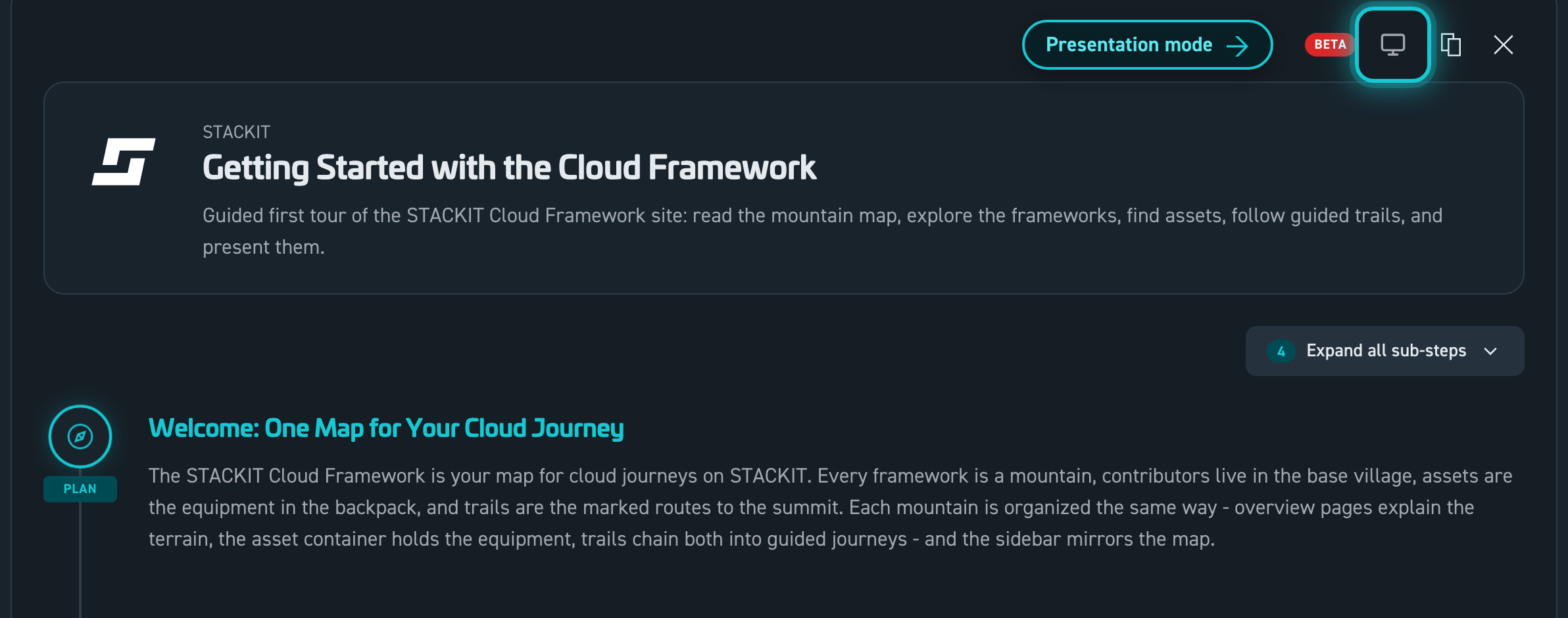
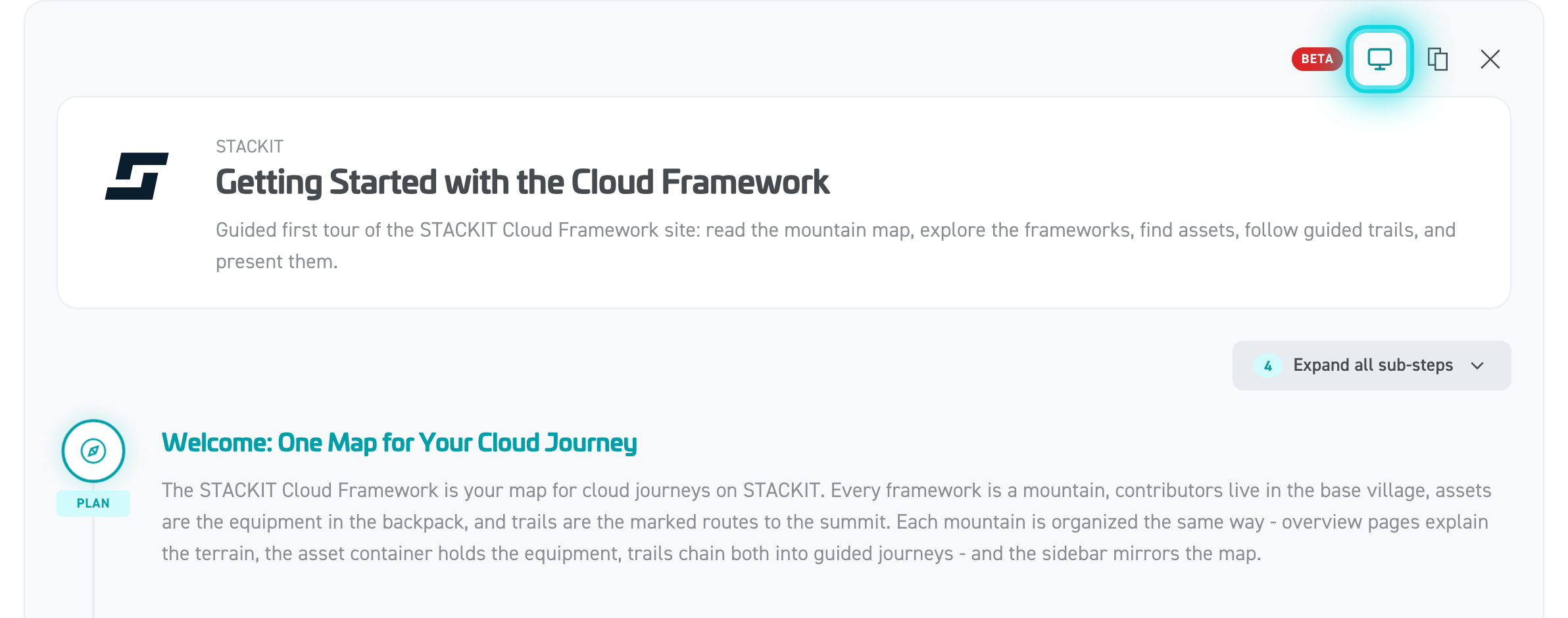
Turn the slides with a clicker, the mouse wheel or a click on the slide edge. The bar at the bottom jumps to any step. On a phone, tap or swipe between the two columns of a slide.
Three ways to begin: open the framework that fits your journey, browse the Assets page or follow a guided trail. The mountains are ready. Have a good ascent.
Tobias M.Head of STACKIT Cloud Framework · STACKITOwnerActive 12 of the last 12 weeks · 168 updateswww.linkedin.com/in/tobias-müller-011304172Tobias M.Head of STACKIT Cloud Framework · STACKITOwnerActive 12 of the last 12 weeks · 168 updatesSTACKITwww.linkedin.com/in/tobias-müller-011304172Contributed in STACKITTobias M.Tobias M.Head of STACKIT Cloud Framework · STACKITOwnerActive 12 of the last 12 weeks · 168 updatesSTACKITwww.linkedin.com/in/tobias-müller-011304172
· Sep 29, 2026
Tobias M.Tobias M.Head of STACKIT Cloud Framework · STACKITOwnerActive 12 of the last 12 weeks · 168 updatesSTACKITwww.linkedin.com/in/tobias-müller-011304172
· Sep 29, 2026
Tobias M.Tobias M.Head of STACKIT Cloud Framework · STACKITOwnerActive 12 of the last 12 weeks · 168 updatesSTACKITwww.linkedin.com/in/tobias-müller-011304172
· Sep 29, 2026
Tobias M.Tobias M.Head of STACKIT Cloud Framework · STACKITOwnerActive 12 of the last 12 weeks · 168 updatesSTACKITwww.linkedin.com/in/tobias-müller-011304172
· Aug 26, 2026
Tobias M.Tobias M.Head of STACKIT Cloud Framework · STACKITOwnerActive 12 of the last 12 weeks · 168 updatesSTACKITwww.linkedin.com/in/tobias-müller-011304172
· Aug 9, 2026
Tobias M.Tobias M.Head of STACKIT Cloud Framework · STACKITOwnerActive 12 of the last 12 weeks · 168 updatesSTACKITwww.linkedin.com/in/tobias-müller-011304172
· Aug 9, 2026
Tobias M.Tobias M.Head of STACKIT Cloud Framework · STACKITOwnerActive 12 of the last 12 weeks · 168 updatesSTACKITwww.linkedin.com/in/tobias-müller-011304172
· Aug 9, 2026
Tobias M.Tobias M.Head of STACKIT Cloud Framework · STACKITOwnerActive 12 of the last 12 weeks · 168 updatesSTACKITwww.linkedin.com/in/tobias-müller-011304172
· Jul 29, 2026
Tobias M.Tobias M.Head of STACKIT Cloud Framework · STACKITOwnerActive 12 of the last 12 weeks · 168 updatesSTACKITwww.linkedin.com/in/tobias-müller-011304172
· Jul 27, 2026
Tobias M.Tobias M.Head of STACKIT Cloud Framework · STACKITOwnerActive 12 of the last 12 weeks · 168 updatesSTACKITwww.linkedin.com/in/tobias-müller-011304172
· Jul 22, 2026
Tobias M.Tobias M.Head of STACKIT Cloud Framework · STACKITOwnerActive 12 of the last 12 weeks · 168 updatesSTACKITwww.linkedin.com/in/tobias-müller-011304172
· Jul 20, 2026
Tobias M.Tobias M.Head of STACKIT Cloud Framework · STACKITOwnerActive 12 of the last 12 weeks · 168 updatesSTACKITwww.linkedin.com/in/tobias-müller-011304172
· Jul 20, 2026